
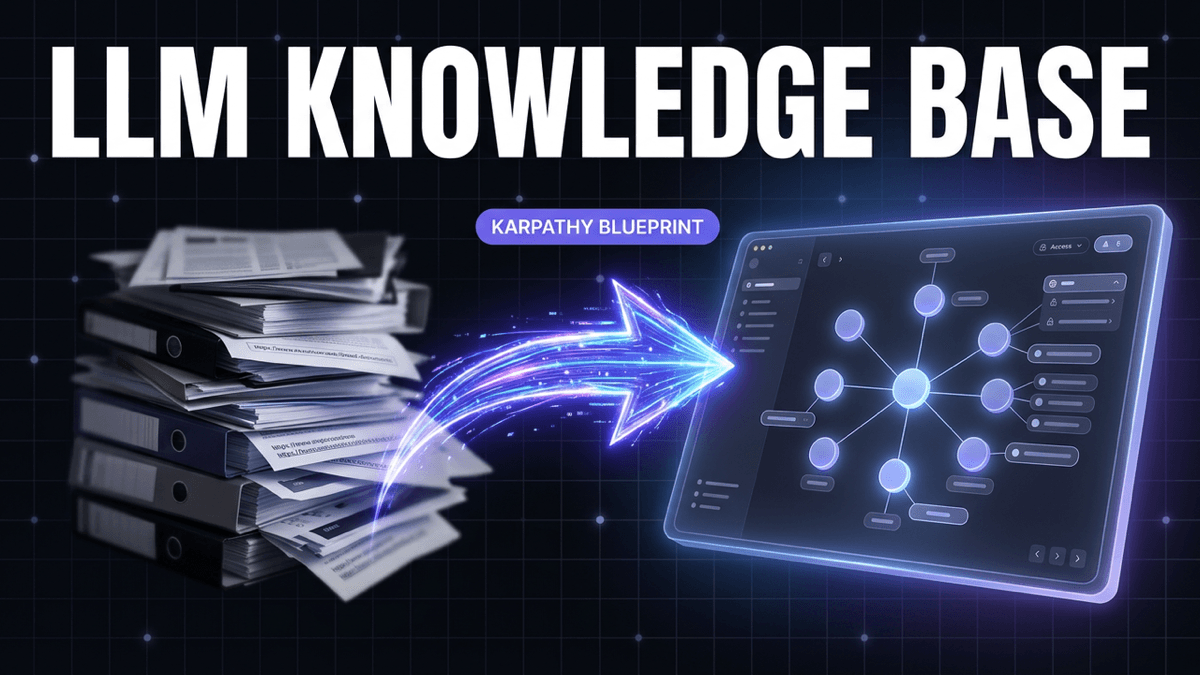
Karpathy Says LLMs Should Build Your Knowledge Base. We're Making It a Product.
Andrej Karpathy described the ideal AI knowledge base workflow: raw sources compiled into an LLM-queried wiki, Q&A that answers from your own notes, and outputs that compound. Here's how we're productizing it.
Yesterday, Andrej Karpathy posted something that stopped me mid-scroll. The former Tesla AI director and OpenAI founding member described exactly how he uses LLMs now — and it's not what you'd expect.
He's not writing code. He's building AI knowledge bases.
"A large fraction of my recent token throughput is going less into manipulating code, and more into manipulating knowledge."
His workflow: save raw sources, have an LLM compile them into a wiki, query the wiki, and file the answers back in. Knowledge that compounds instead of collecting dust.
Then he dropped the line that hit hardest:
"I think there is room here for an incredible new product instead of a hacky collection of scripts."
We've been building that product. Here's what Karpathy described, why it matters, and where we're taking it.
The Karpathy Workflow, Broken Down
Karpathy laid out a complete system with six layers. Each one solves a real problem knowledge workers face every day.
1. Data Ingest
Sources go into a raw/ directory — articles, papers, repos, datasets, images. He uses the Obsidian Web Clipper to convert web content to markdown, plus a hotkey to download related images locally.
The problem it solves: Content is scattered across tabs, bookmarks, read-later apps, and screenshots. You need one place for everything.
2. Wiki Compilation
This is the breakthrough layer. An LLM incrementally "compiles" a wiki from the raw sources — summaries, backlinks, concept articles, cross-links between related ideas. The wiki is a collection of .md files organized into a directory structure.
The problem it solves: Raw saves are useless without synthesis. You don't need 47 articles about pricing strategy. You need one concept page that synthesizes what all 47 say, where they agree, and where they contradict each other.
3. IDE (Obsidian as Frontend)
Karpathy uses Obsidian to view everything — raw data, the compiled wiki, and any derived visualizations. He's experimented with plugins like Marp for rendering slideshows from markdown.
The problem it solves: Knowledge needs a good reading experience. Terminal output doesn't cut it.
4. Q&A Against Your Wiki
Once his wiki hit ~100 articles and ~400K words, he could ask complex questions and the LLM would research answers across his compiled knowledge. He thought he'd need "fancy RAG," but the LLM handles it with auto-maintained index files.
The problem it solves: You've saved hundreds of things. You can't remember what's in them. Search gets you links — Q&A gets you answers.
5. Output-as-Input Loop
Instead of answers disappearing in chat history, Karpathy renders them as markdown files, slideshows, or images — then files the outputs back into the wiki. Every question makes the knowledge base smarter.
The problem it solves: Your research should compound. Every question you ask, every synthesis you create, should make future queries better.
6. Knowledge Linting
He runs LLM "health checks" to find inconsistent data, fill gaps with web searches, and discover interesting connections. The LLM suggests further questions to investigate.
The problem it solves: Knowledge bases decay. Facts get stale. Connections go undiscovered. You need automated maintenance.
Why This Resonated So Hard
Karpathy's post went viral because it described a pain every knowledge worker feels: the gap between saving and knowing.
We all have the graveyard. Hundreds of bookmarks. Dozens of "read later" articles. YouTube playlists we'll never finish. We save with the best intentions, then never synthesize what we've collected into actual understanding.
The numbers back this up:
- Knowledge workers spend 30-40% of their time on knowledge management overhead
- 47% of workers spend over an hour daily just finding information they've already seen
- The knowledge management software market is projected to hit $62B by 2033
The demand isn't theoretical. People are drowning in saved content and starving for synthesized knowledge.
Turn any link into queryable knowledge
Paste a YouTube video, X thread, Reddit post, or article. We'll extract, summarize, and surface the insights — no account needed.
10 free saves · No credit card required
What Nobody Else Is Building
Here's what's interesting about the competitive landscape. The tools exist in pieces:
- Great ingestion: Readwise Reader, Obsidian Web Clipper, browser extensions
- Great note-taking: Notion, Obsidian, Logseq
- AI chat overlays: Notion AI, Mem, ChatGPT
But nobody is building the compilation layer — the part that takes your raw sources and automatically synthesizes them into evolving concept pages. That's the gap Karpathy identified, and it's exactly what we're building at Noverload.
From Hacky Scripts to Product: What We're Building
Noverload already handles the ingestion and query layers. You can save content from YouTube, articles, X posts, Reddit, and PDFs. AI processes everything — summaries, key insights, tags, embeddings. You can search semantically across your entire library or chat with your knowledge base through MCP integration with Claude.
What's coming next is the piece that closes the loop: Knowledge Compilation.
Concept Pages
When you've saved 5+ sources about a topic — say, "startup fundraising" — Noverload will automatically detect the cluster and compile a concept page. Not just a list of links. A synthesized article that includes:
- Key insights across all your sources
- Frameworks and methodologies extracted and structured
- Contradictions where sources disagree (with citations)
- Knowledge gaps — what's not covered by anything you've saved
- Source backlinks so you can always trace an insight to its origin
Think of it as a personal Wikipedia article, written by AI, sourced entirely from content you chose to save.
Living Documentation
Concept pages aren't static. Save a new source that's relevant to an existing concept, and it automatically recompiles — merging new insights with existing knowledge. Your wiki grows smarter as you feed it.
The Compounding Loop
Ask a question through MCP or the web app. Get a synthesized answer. Save that answer back into your knowledge base. Now future queries can build on your previous research. This is Karpathy's output-as-input loop, productized.
Knowledge Health Checks
Automated linting catches stale concepts, surfaces contradictions, discovers connections between concept pages you hadn't noticed, and suggests new topics to explore based on gaps in your knowledge.
Karpathy's Workflow vs. Noverload
Ingestion: Karpathy manually manages files in a raw/ directory using Obsidian Web Clipper and custom hotkeys. Noverload gives you one-click save from any browser — YouTube transcripts, article text, and threads are extracted automatically.
Compilation: Karpathy prompts an LLM through the CLI to compile his wiki. Noverload detects topic clusters and compiles concept pages automatically as you save.
Viewing: Karpathy uses Obsidian as his frontend. Noverload gives you a web app plus MCP integration so your compiled knowledge is available inside Claude, Cursor, or any AI tool you already use.
Q&A: Karpathy runs queries in the terminal. Noverload offers semantic search and chat across your entire library — no CLI required.
Output loop: Karpathy manually files answers back into his wiki. Noverload lets you save any synthesis result back to your knowledge base with one click.
Linting: Karpathy runs custom scripts for health checks. Noverload automates it — stale concepts, contradictions, and knowledge gaps are surfaced for you.
The core insight is the same. The accessibility is different. Karpathy built a workflow that works brilliantly for someone who can vibe code custom tools and wrangle LLMs through terminal prompts. We're building the version that works for anyone who can click "Save."
Who This Is For
If you're a developer or researcher
You're probably already doing some version of this manually. Maybe with Obsidian, maybe with a custom RAG pipeline, maybe just with a giant Claude context window. Noverload's MCP integration means your compiled knowledge is available in Claude Desktop, Cursor, or any MCP-compatible tool — no scripts required.
If you're a knowledge worker
You save articles, watch talks, bookmark threads. Most of it sits unread. Concept pages turn your collection into something you can actually use — synthesized, searchable, and always up to date.
If you're a student or content creator
You consume massive amounts of content. You need to synthesize it into essays, videos, or presentations. Concept pages give you the research layer that makes creation faster.
The Bigger Picture
Karpathy hinted at something even further out:
"As the repo grows, the natural desire is to also think about synthetic data generation + finetuning to have your LLM 'know' the data in its weights instead of just context windows."
We're thinking about this too. Today, your knowledge lives in embeddings and context windows. Tomorrow, your personal AI could actually know what you know — not just search for it.
But you don't have to wait for tomorrow. The compilation layer — turning raw saves into synthesized knowledge — is available now. Every article you save today is a source your future concept pages will draw from.
Start Building Your Knowledge Base
Karpathy said there's room for an incredible product here. We agree.
If you've been saving content and wishing it would organize itself into something useful, that's exactly what we're building. No scripts. No CLI. No manual wiki maintenance.
Just save what interests you. We'll compile the knowledge.
Start your free trial and begin building your AI-compiled knowledge base. Already a user? Concept pages are rolling out to Pro members — upgrade to Pro to get early access.
Tags
Ready to build your second brain?
Start saving content and give your AI the context it needs.