
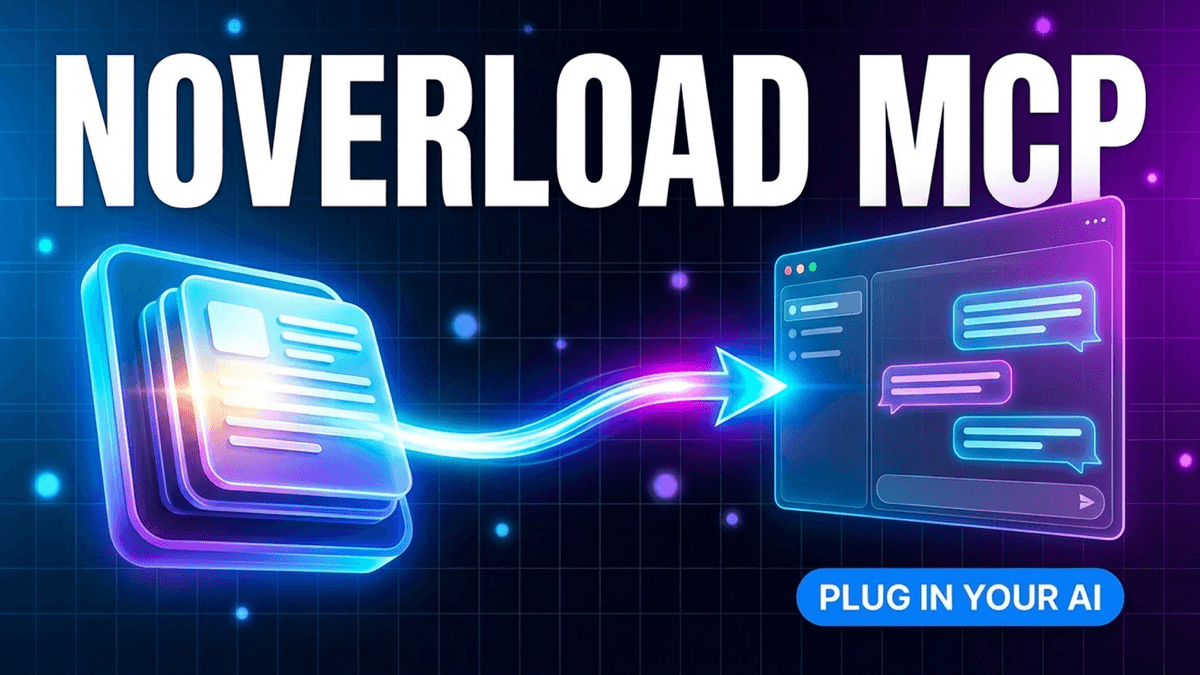
Introducing Noverload MCP Integration
Give Claude Desktop and other AI tools access to your personal knowledge base. Learn how to set up MCP integration in under 2 minutes.
Today we're excited to announce MCP (Model Context Protocol) support for Noverload. This means your saved articles, YouTube videos, and threads are now accessible directly inside Claude Desktop, Cursor, and other MCP-compatible AI tools.
No more copying and pasting. No more re-explaining context. Your AI assistant now knows what you know.
What is MCP?
MCP (Model Context Protocol) is an open standard that lets AI tools access external data sources. Think of it as giving Claude or other AI assistants the ability to "plug in" to your personal knowledge base.
When you ask Claude a question, it can now search your saved content, retrieve relevant articles, and use your personal notes as context for its answers.
Why This Matters
Have you ever had to:
- Re-explain a concept you already have notes on?
- Search for a tutorial you watched, then copy the relevant parts to Claude?
- Wish Claude just "knew" about the resources you've collected?
MCP integration solves all of this. Your saved content becomes instant context for every conversation.
Give Claude access to your saved knowledge
Skip the copy-paste loop. Claude Desktop and Cursor can search, read, and reason over everything you've saved in Noverload — set up takes 2 minutes.
10 free saves · No credit card required
How to Set It Up
Setting up Noverload MCP takes under 2 minutes:
Step 1: Get Your Access Token
- Go to your Noverload dashboard
- Navigate to Settings → MCP Integration
- Click "Generate Token"
- Copy your token (it starts with
nv_)
Step 2: Configure Claude Desktop
Open your Claude Desktop config file:
- Mac:
~/Library/Application Support/Claude/claude_desktop_config.json - Windows:
%APPDATA%\Claude\claude_desktop_config.json
Add the Noverload MCP server:
{
  "mcpServers": {
    "noverload": {
      "command": "npx",
      "args": ["-y", "noverload-mcp@latest"],
      "env": {
        "NOVERLOAD_CONFIG": "{\"accessToken\":\"nv_your_token_here\",\"apiUrl\":\"https://noverload.com\",\"readOnly\":true}"
      }
    }
  }
}
Step 3: Restart Claude Desktop
Quit and reopen Claude Desktop. You should see the Noverload tools icon in the conversation.
That's it! You're ready to go.
What You Can Do
Once connected, Claude can:
Search Your Content
Ask: "What do I have saved about React hooks?" Claude searches your library and returns relevant summaries.
Explore Topics
Ask: "Synthesize what I've learned about productivity systems" Claude analyzes multiple sources and creates a comprehensive overview.
Reference Specific Content
Ask: "Based on my saved articles about pricing, what should I consider?" Claude pulls from your actual saved content, not generic internet knowledge.
Extract Frameworks
Ask: "What methodologies have I saved about writing?" Claude identifies step-by-step processes from your saved content.
Available Tools
The Noverload MCP server provides these capabilities:
| Tool | What It Does |
|---|---|
search_content | Semantic search across all your saved content |
get_content_details | Retrieve full content for a specific item |
explore_topic | Deep analysis across multiple sources |
list_saved_content | Browse your saved items |
extract_frameworks | Find methodologies and processes |
Security & Privacy
Your data stays secure:
- Read-only by default - AI tools can only read, not modify your content
- Token-based auth - Revoke access anytime from your dashboard
- Your data stays yours - We never train on your content
Works with Cursor Too
The same setup works with Cursor, Windsurf, and other MCP-compatible tools. For Cursor, add the config to ~/.cursor/mcp.json.
What's Next
We're just getting started with MCP. Coming soon:
- Write support for saving content from AI conversations
- Bidirectional sync with note-taking apps
- Custom MCP actions for power users
Get Started
MCP integration is available to all Pro users. If you're on the free tier, upgrade to Pro to unlock it.
Already Pro? Head to Settings → MCP to get your token and start using your knowledge in Claude today.
Have questions about MCP setup? Check our docs or reach out to support. See how MCP works with Claude Desktop and Cursor, or explore how it helps with research and learning.
Tags
Ready to build your second brain?
Start saving content and give your AI the context it needs.